- Click Photo Gallery from the menu on the left of your WordPress dashboard.
- Create a new gallery or select a gallery if you’ve already created one.
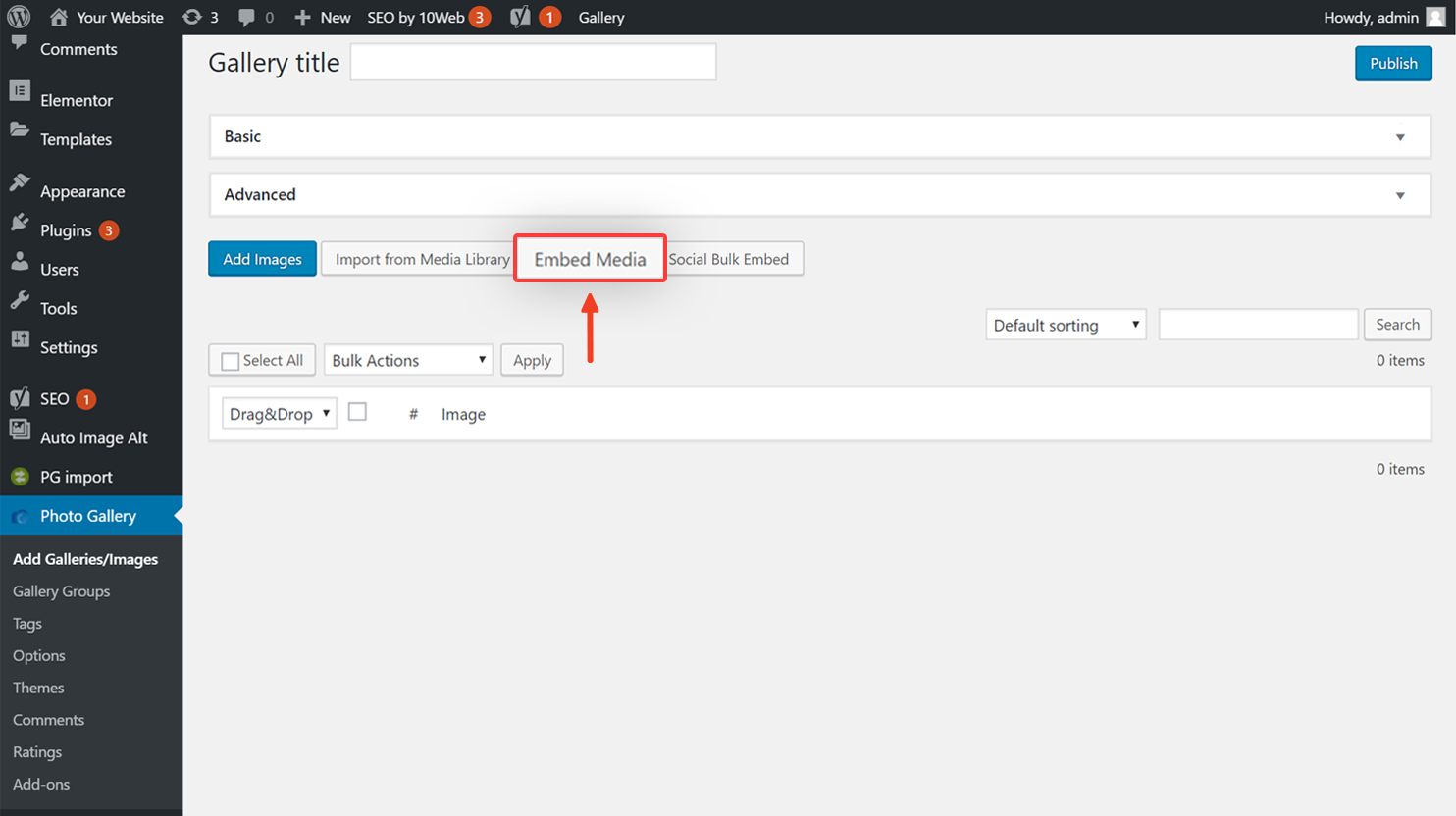
- Click Embed Media.
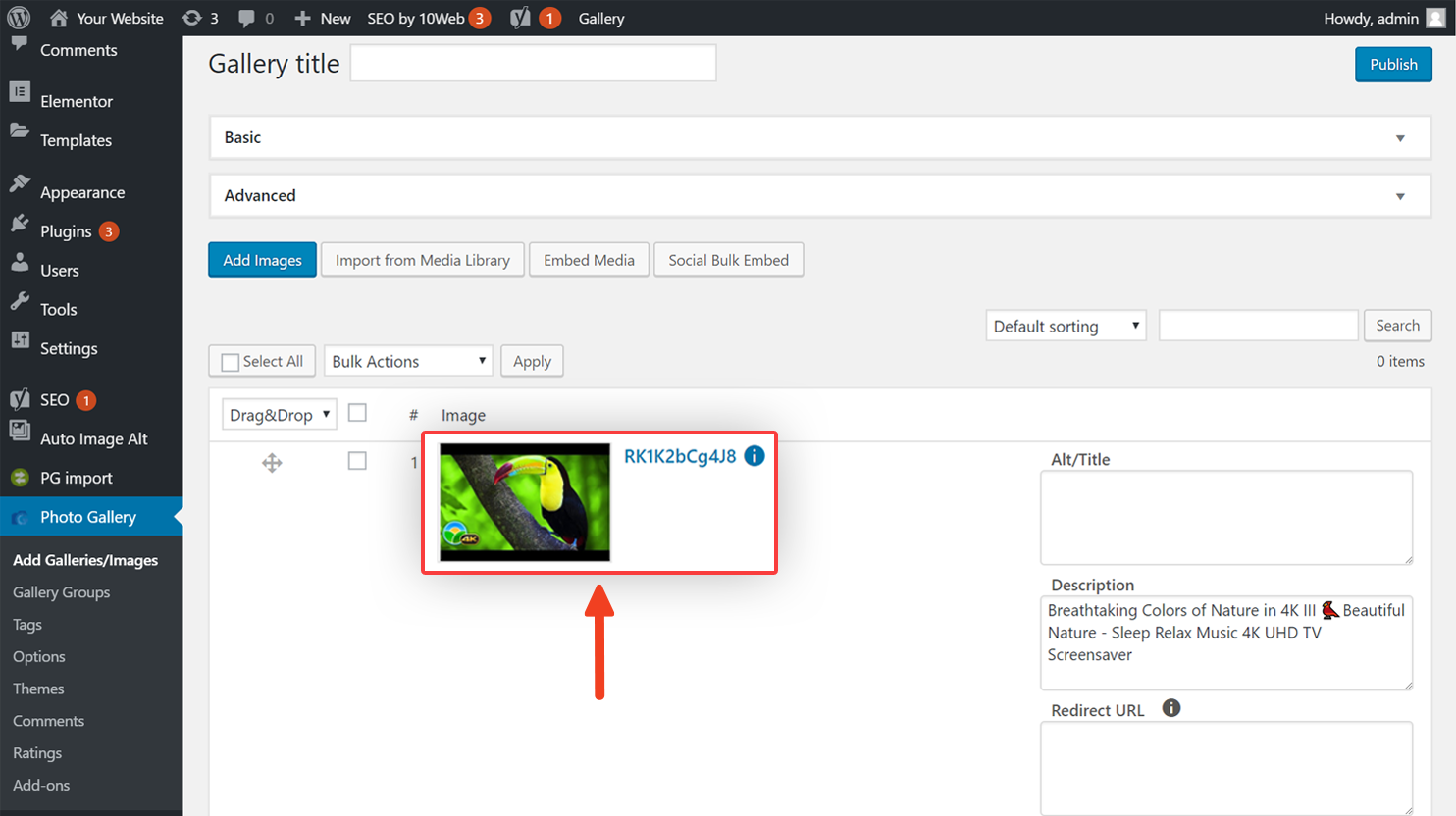
- Copy and paste the URL of the YouTube, Vimeo, and Dailymotion video you want to add to your gallery.

- Click Add to Gallery.
- Click Publish.
10Web Help Center
Hi, how can we help?