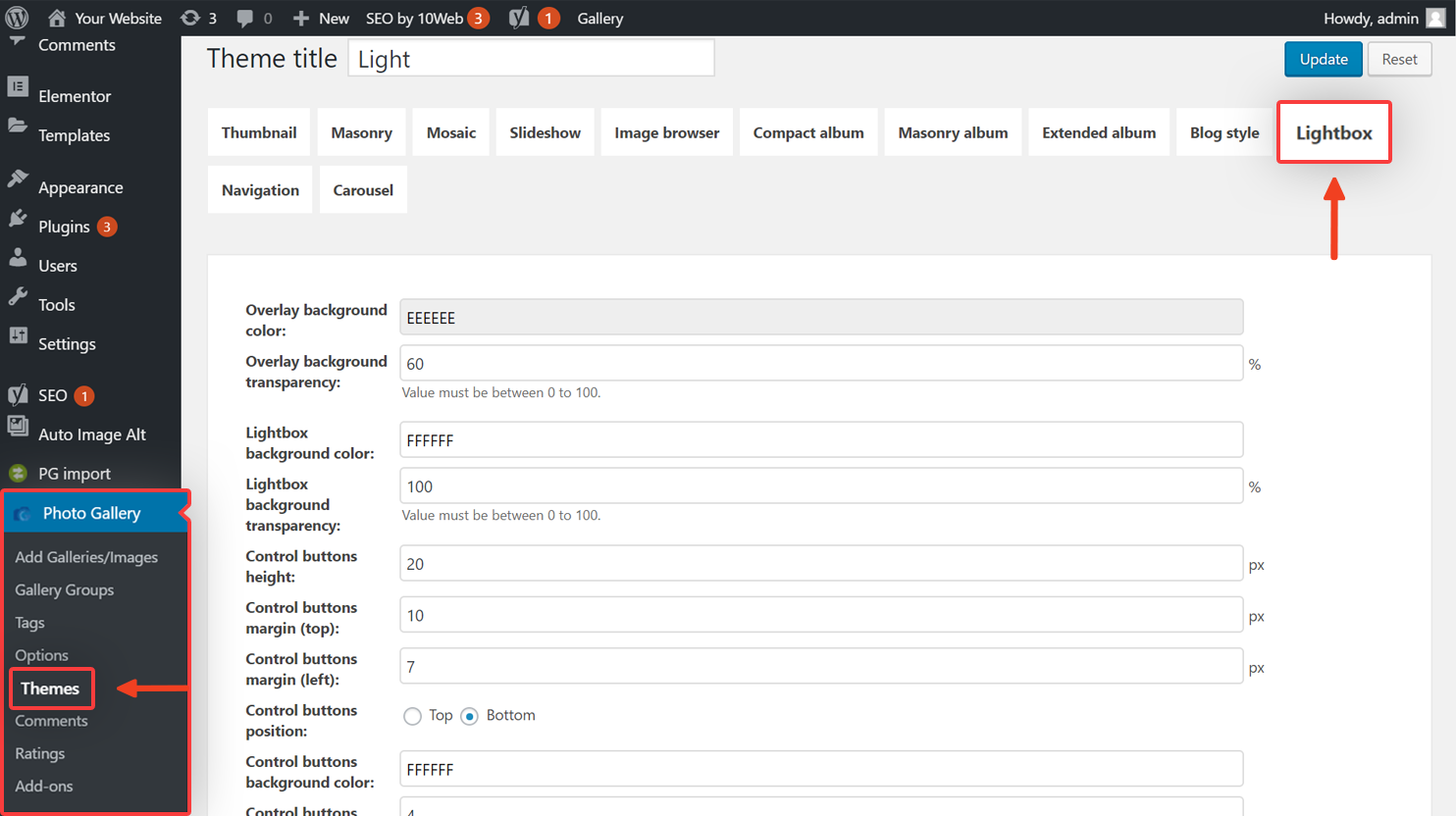
- Click Photo Gallery from the menu on the left of your WordPress dashboard.
- From the list under Photo Gallery, click Themes.
- Click Edit under the theme your gallery’s using.
- Click Lightbox from the group of buttons under Theme Title.
- Find Filmstrip Position then click the drop-down box next to it.

- Select the new position from the list.
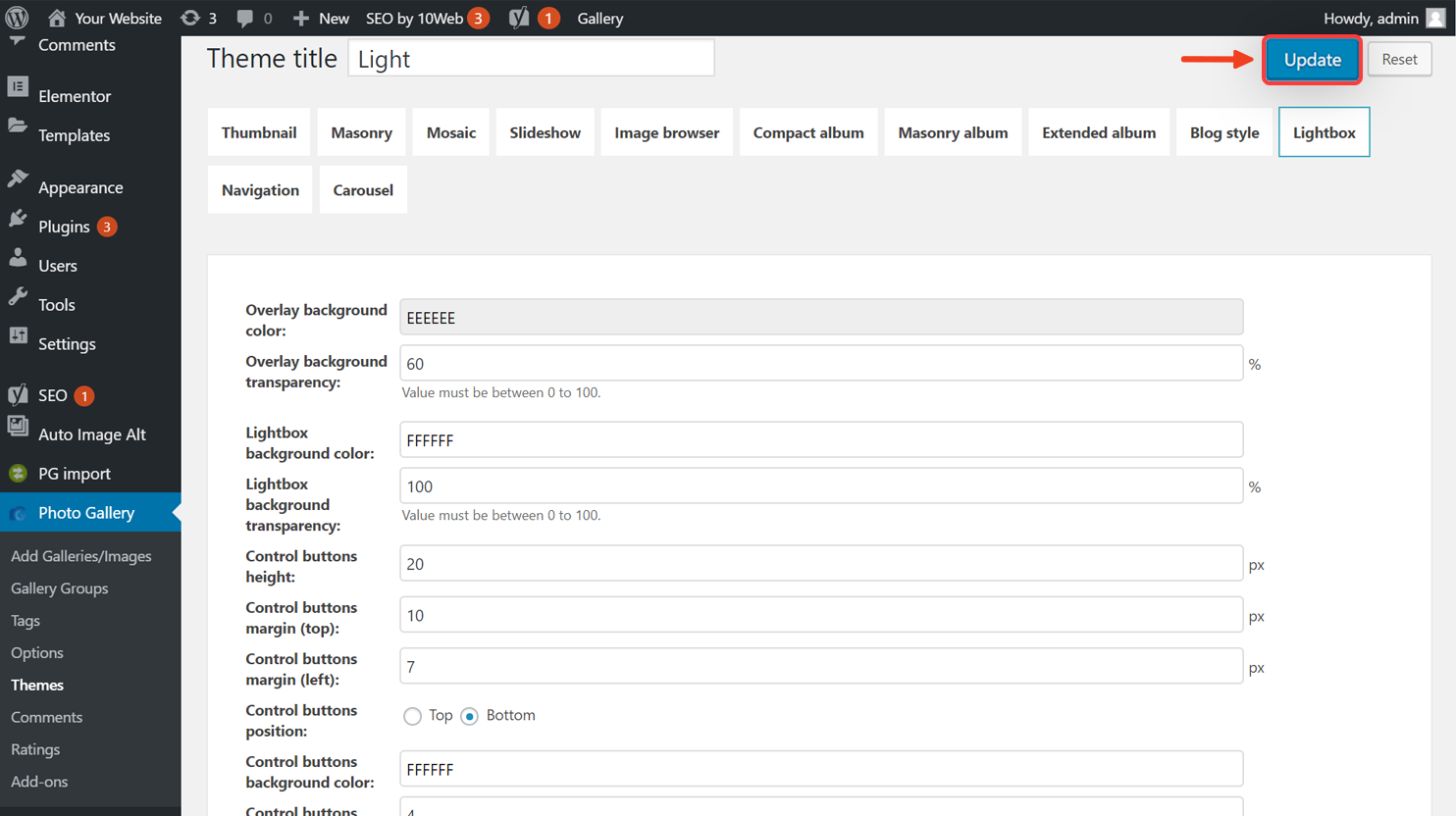
- Click Update at the top of the page to save your new settings.
10Web Help Center
Hi, how can we help?